
Smart Care
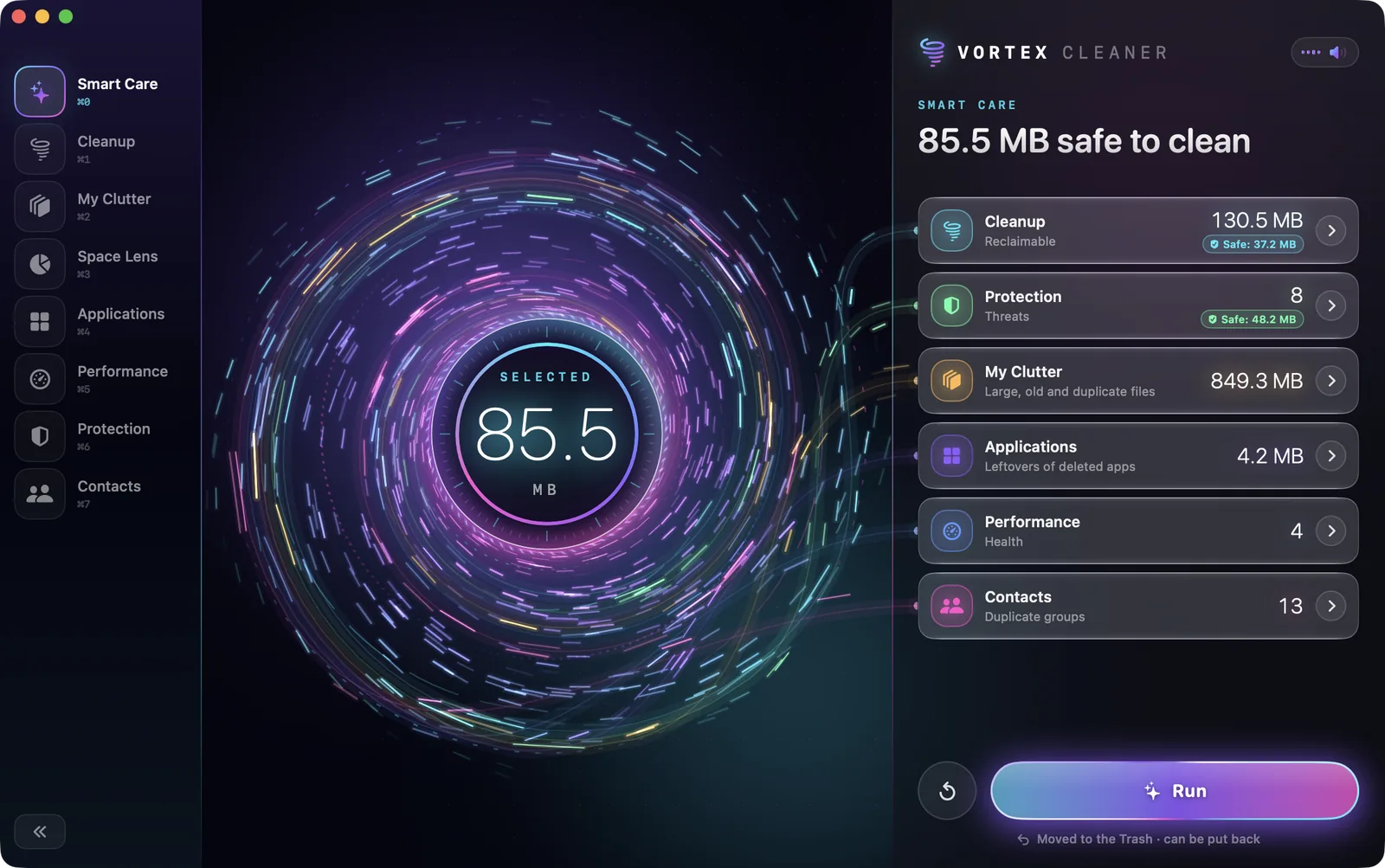
One scan over everything: cleanup, clutter, applications, performance, protection and contacts. You see the result for each area and decide what happens.
Check your e-mail for your license key, then open VortexCleaner → License… and enter it.
VortexCleaner finds what clutters your Mac – system junk, developer caches, duplicates, app leftovers – and pulls it into an animated vortex. You decide what goes, and everything lands in the Trash first.
With an English robot voice: “Yes, my lord …”
App languages: Deutsch, English, Español, Français, Italiano, Magyar, Polski, Português, Русский
49 seconds from the real app – with the original robot voice.
Everything your Mac needs to stay tidy – in one app.
One scan over everything: cleanup, clutter, applications, performance, protection and contacts. You see the result for each area and decide what happens.
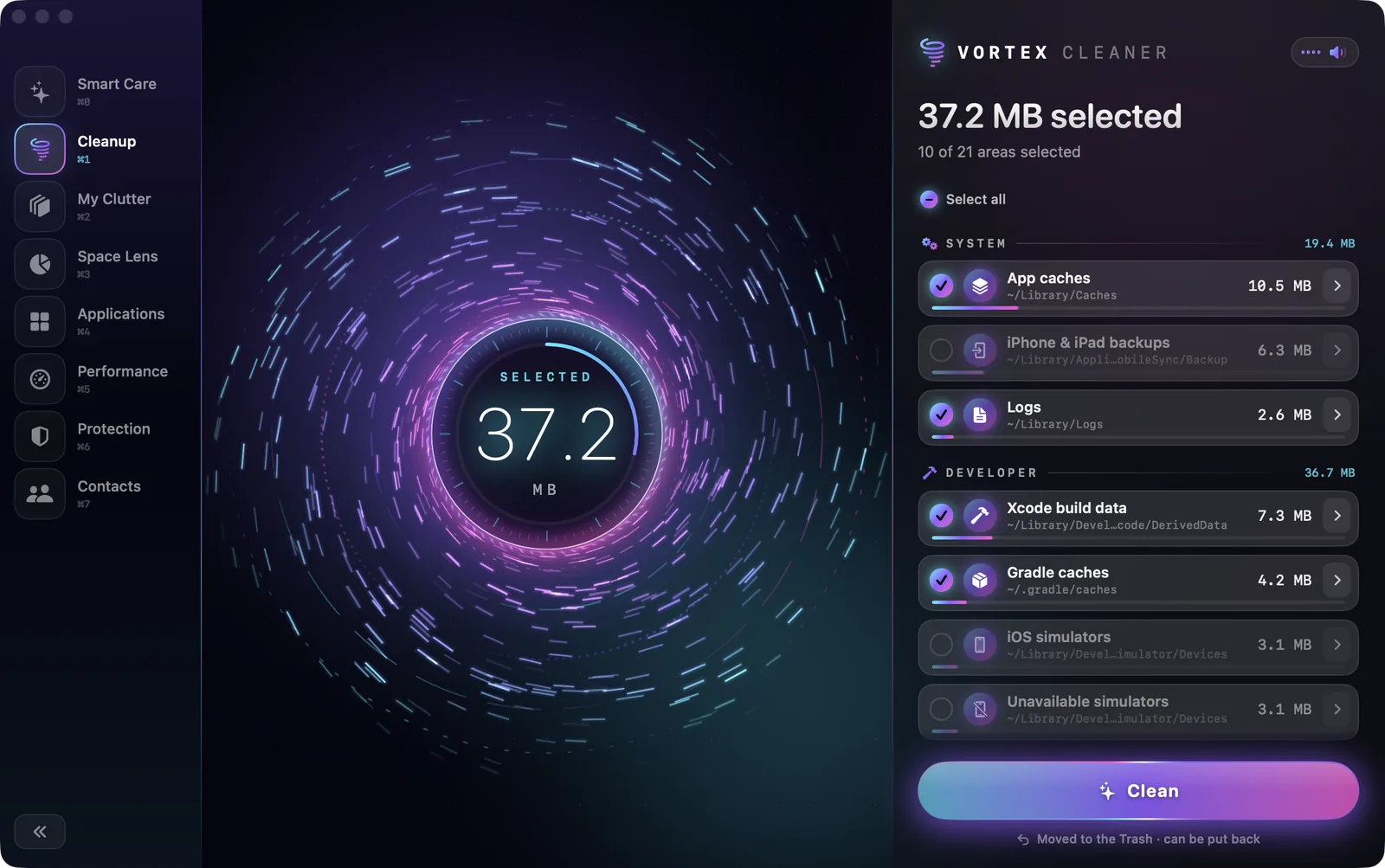
21 categories: system junk, Xcode DerivedData, archives and simulators, caches from CocoaPods, Gradle, Homebrew, npm, pip and pub, iOS backups, AI models, mail attachments and trash bins.
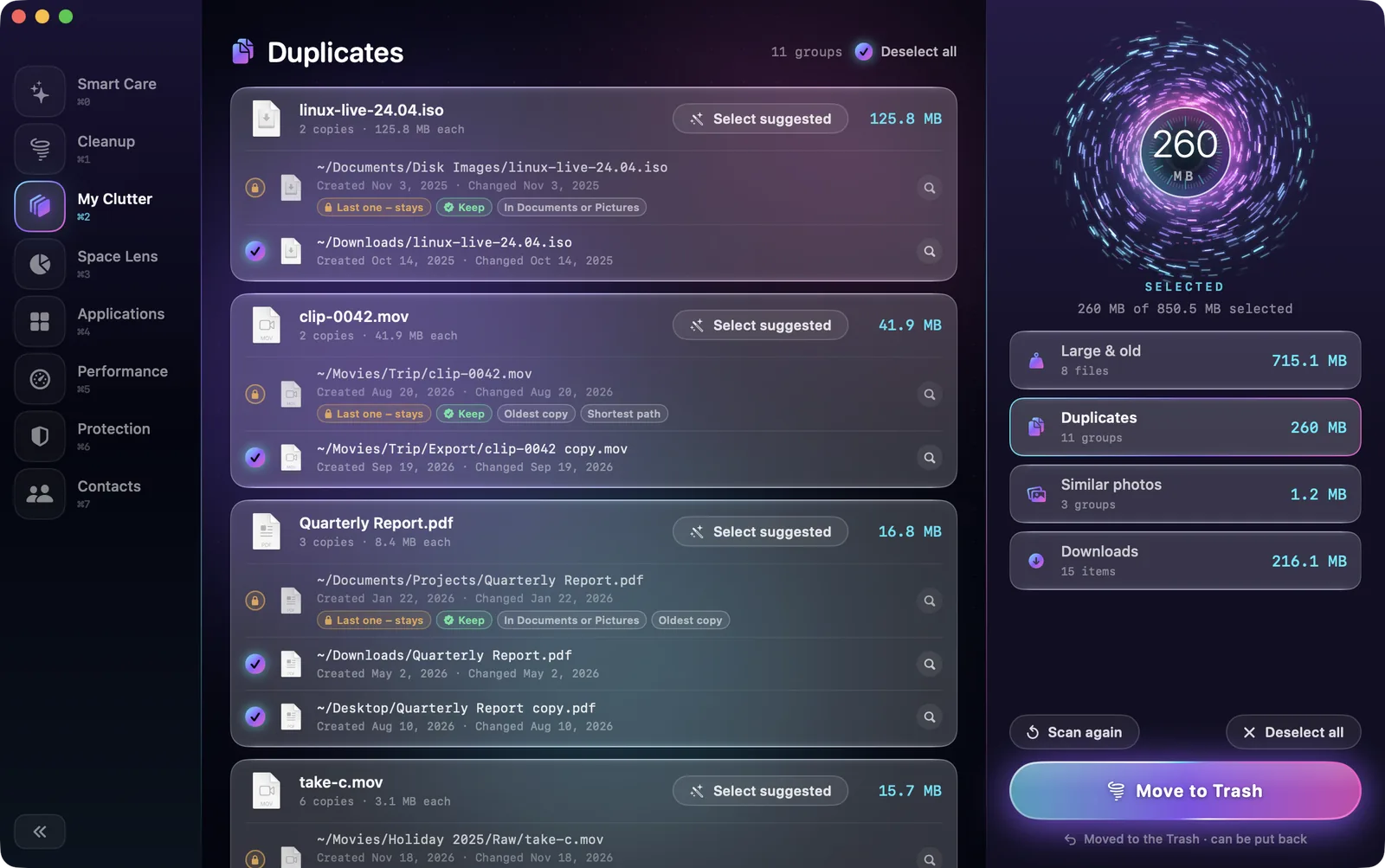
Large and old files, duplicates, similar photos and downloads. For duplicates, VortexCleaner suggests which copy to keep.
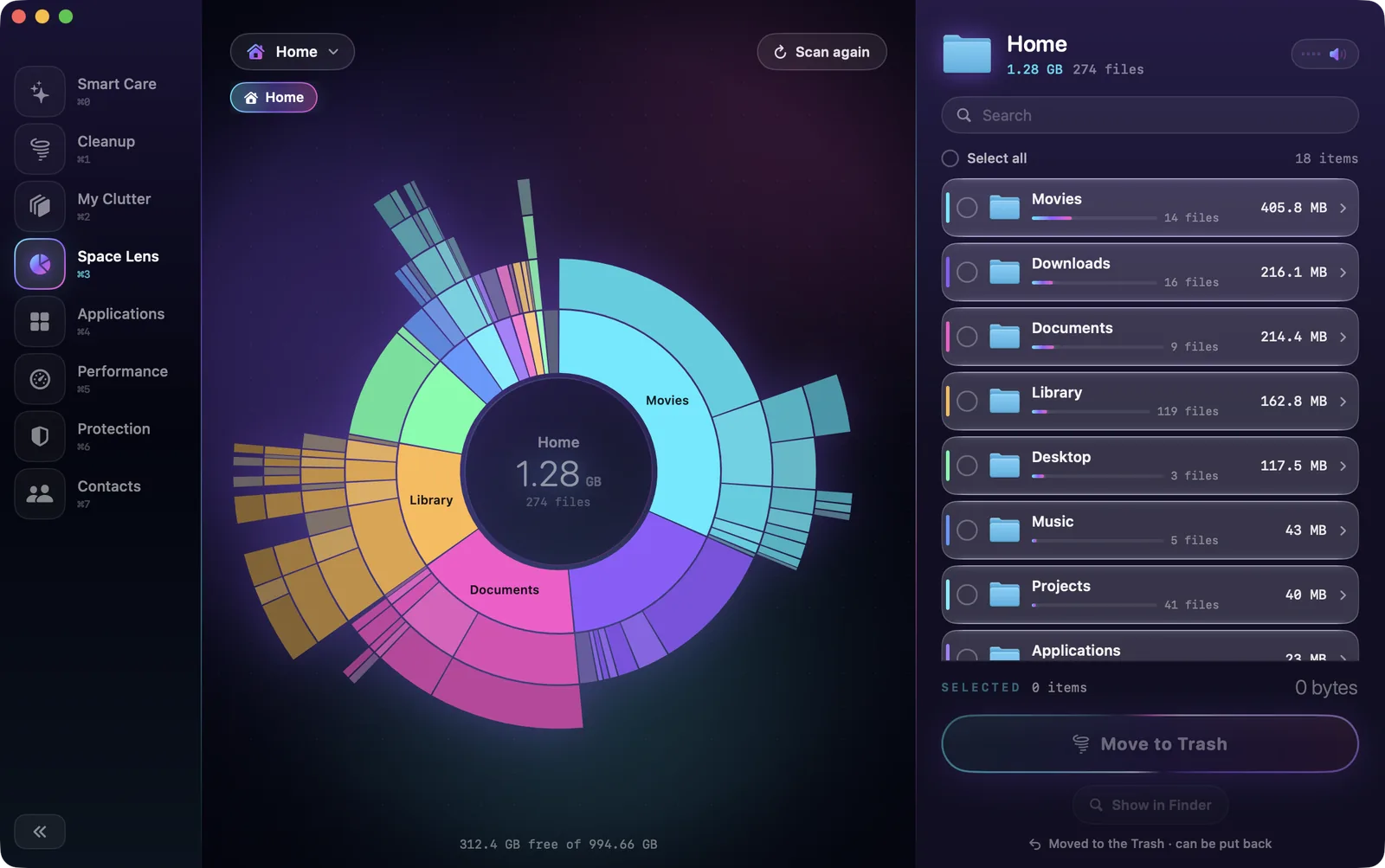
An interactive map of your disk. Each ring is a folder level – click your way in and see at a glance what takes up the space. You can also empty the Trash for good from here – after a clear warning.
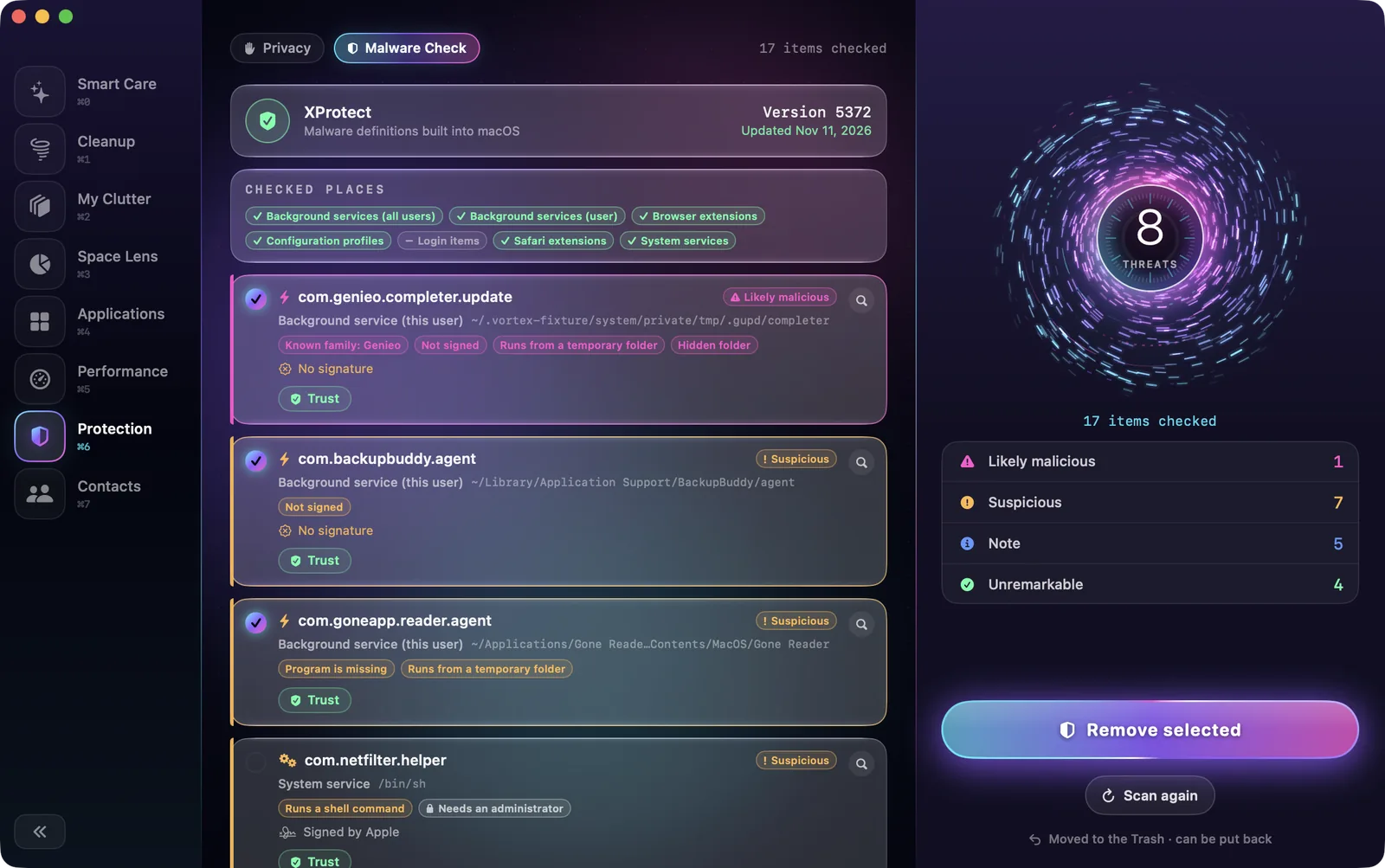
Browser privacy for 10 browsers, traces, and a check for malware and persistence with XProtect status. What you trust goes on your trust list. Mark your own helper tools with “Trust”.
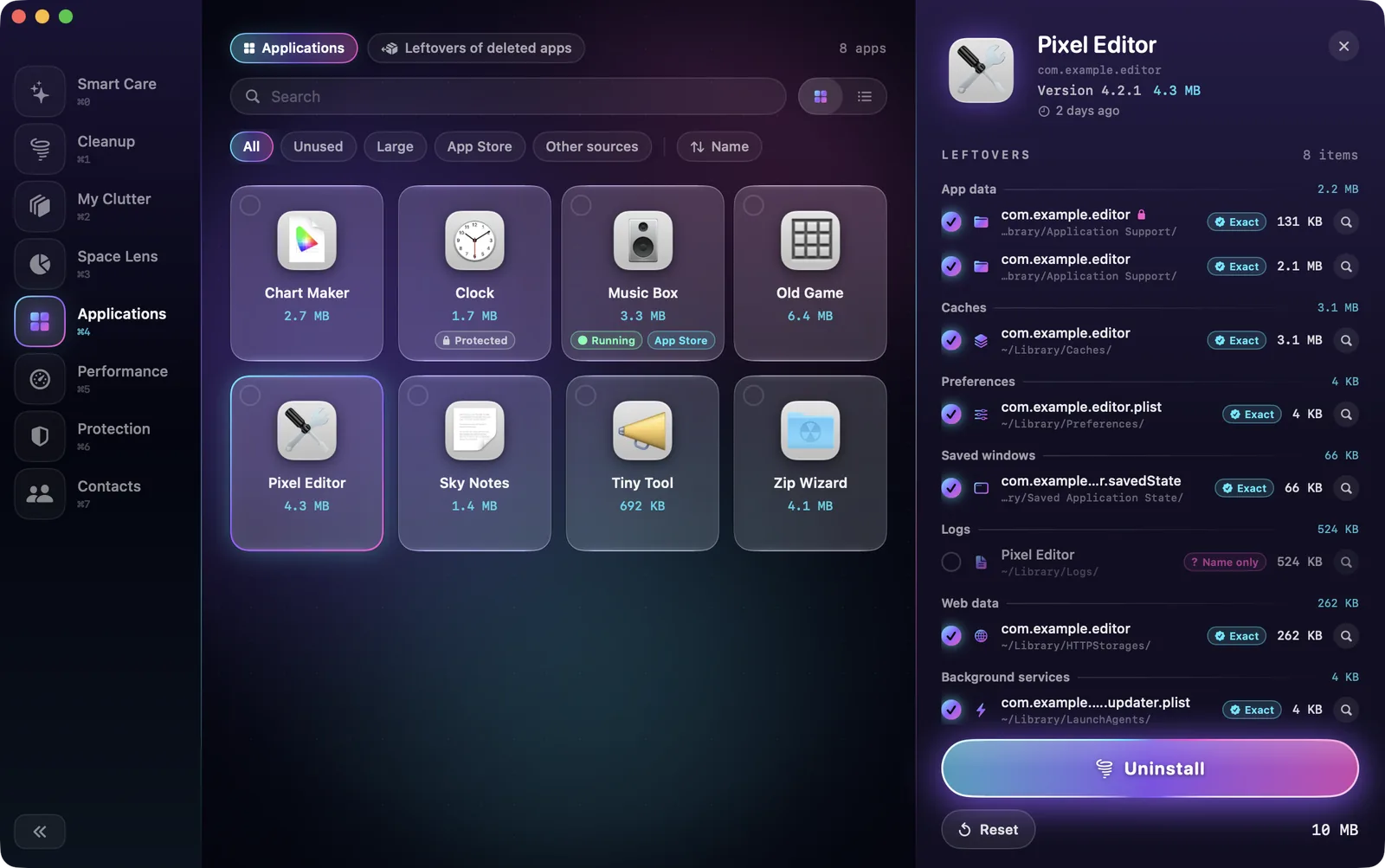
Uninstall apps together with all their leftovers, find orphaned leftovers of apps that are already gone, or reset an app.
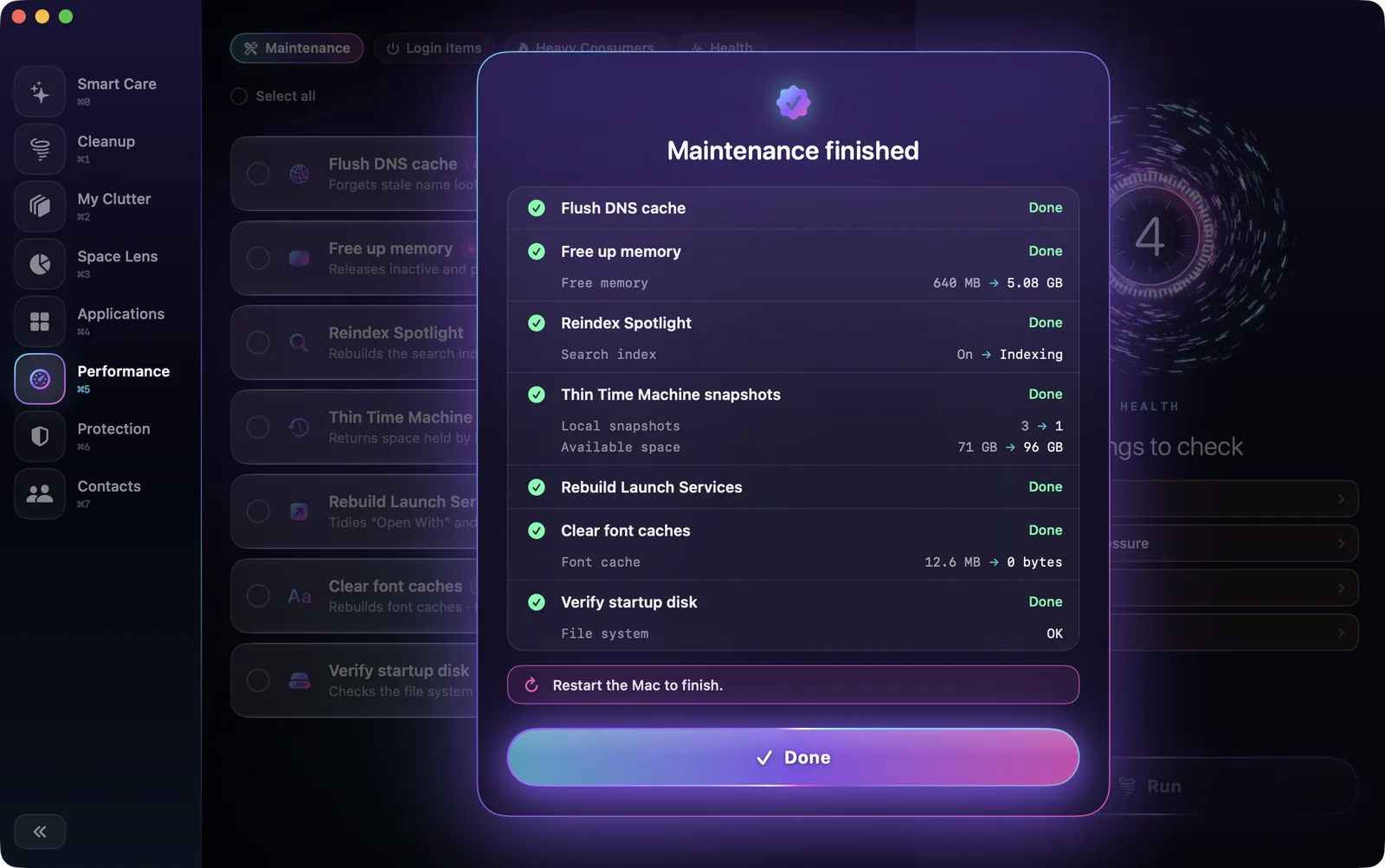
Maintenance tasks, login and background items and the apps that use the most resources – all in one place. Login items are only read when you ask for them.
Merge duplicate contacts by phone number and find the same number under different names. With a never-merge list – and a vCard backup before anything changes.
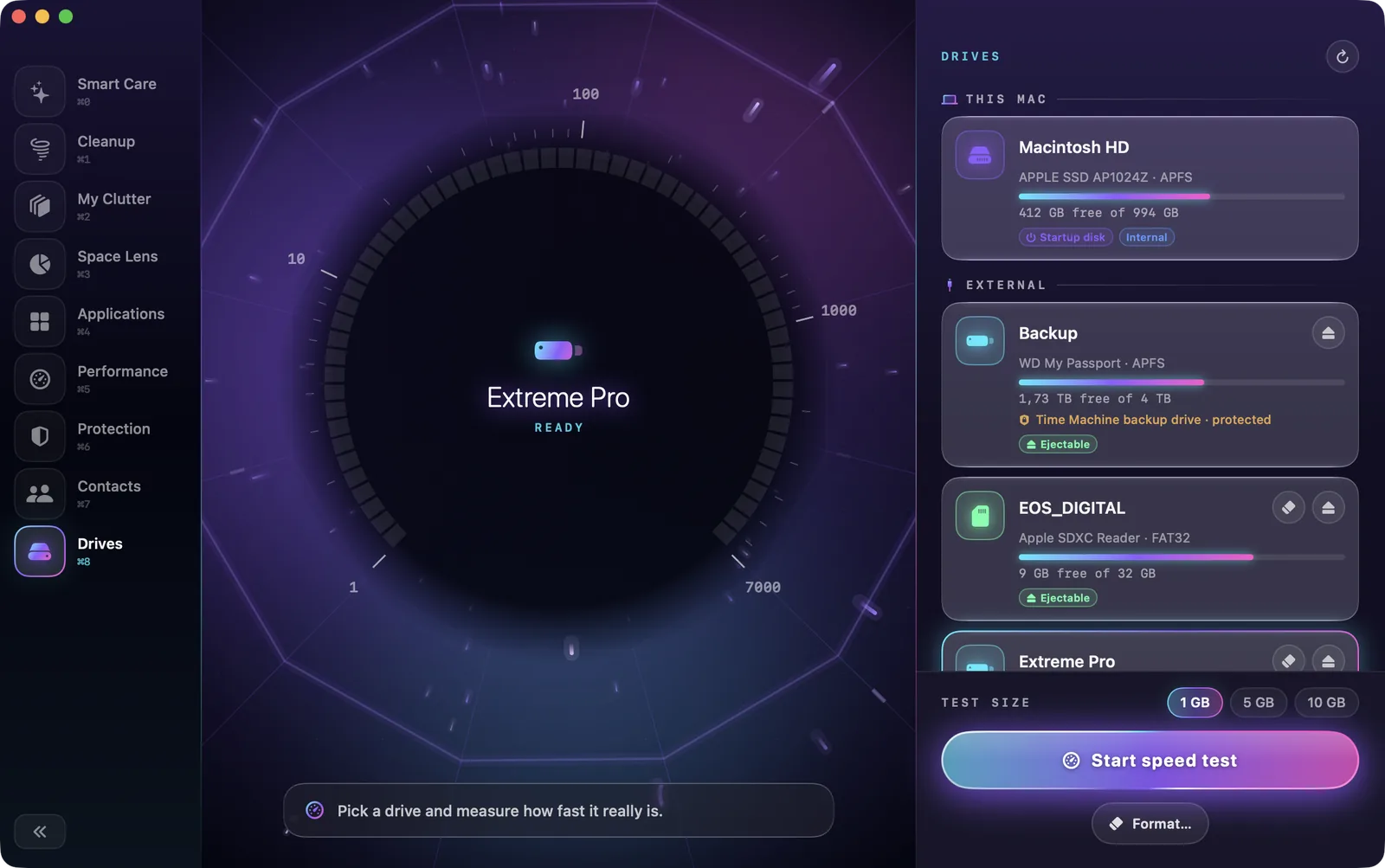
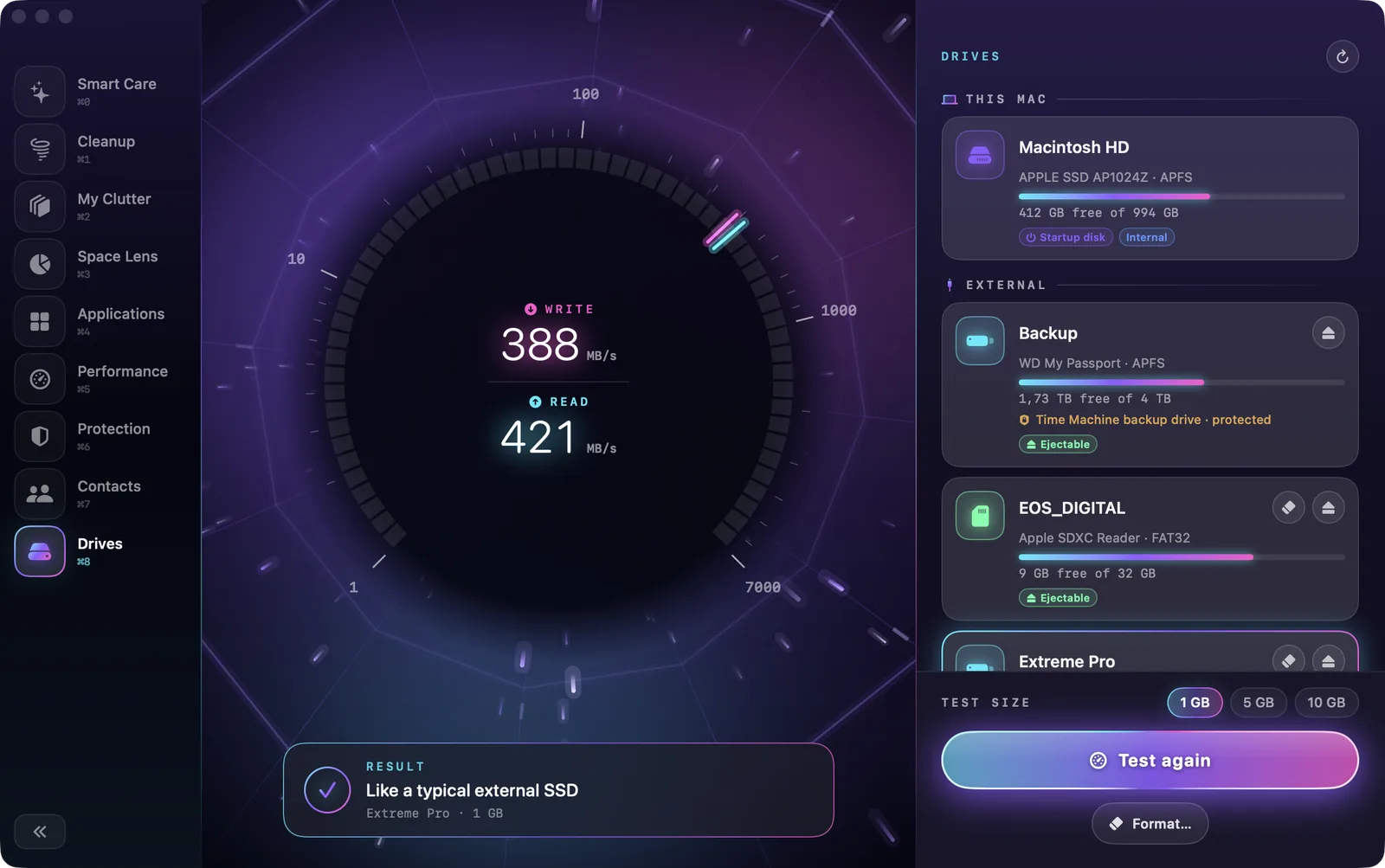
All connected drives in one list – eject, measure, format.
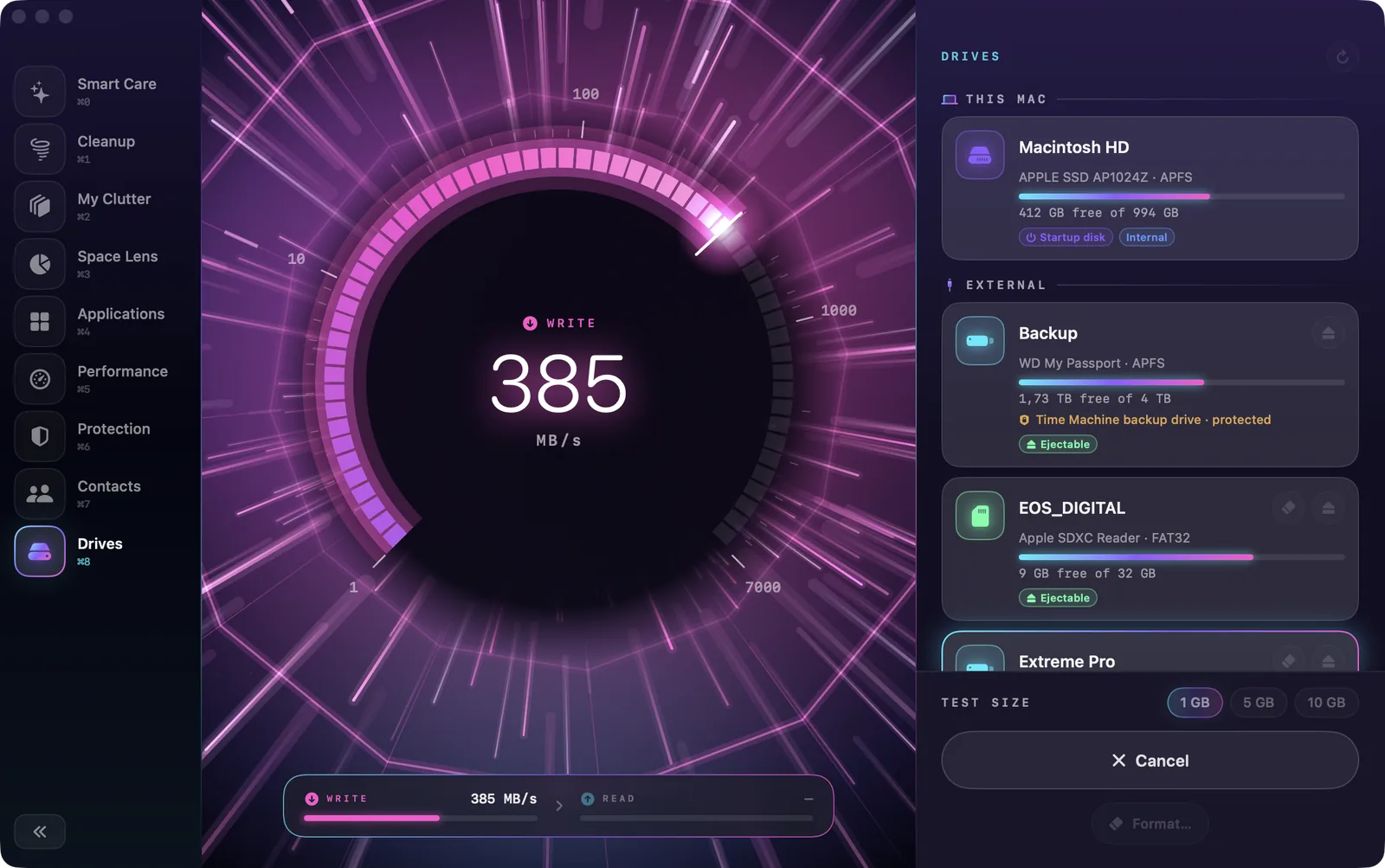
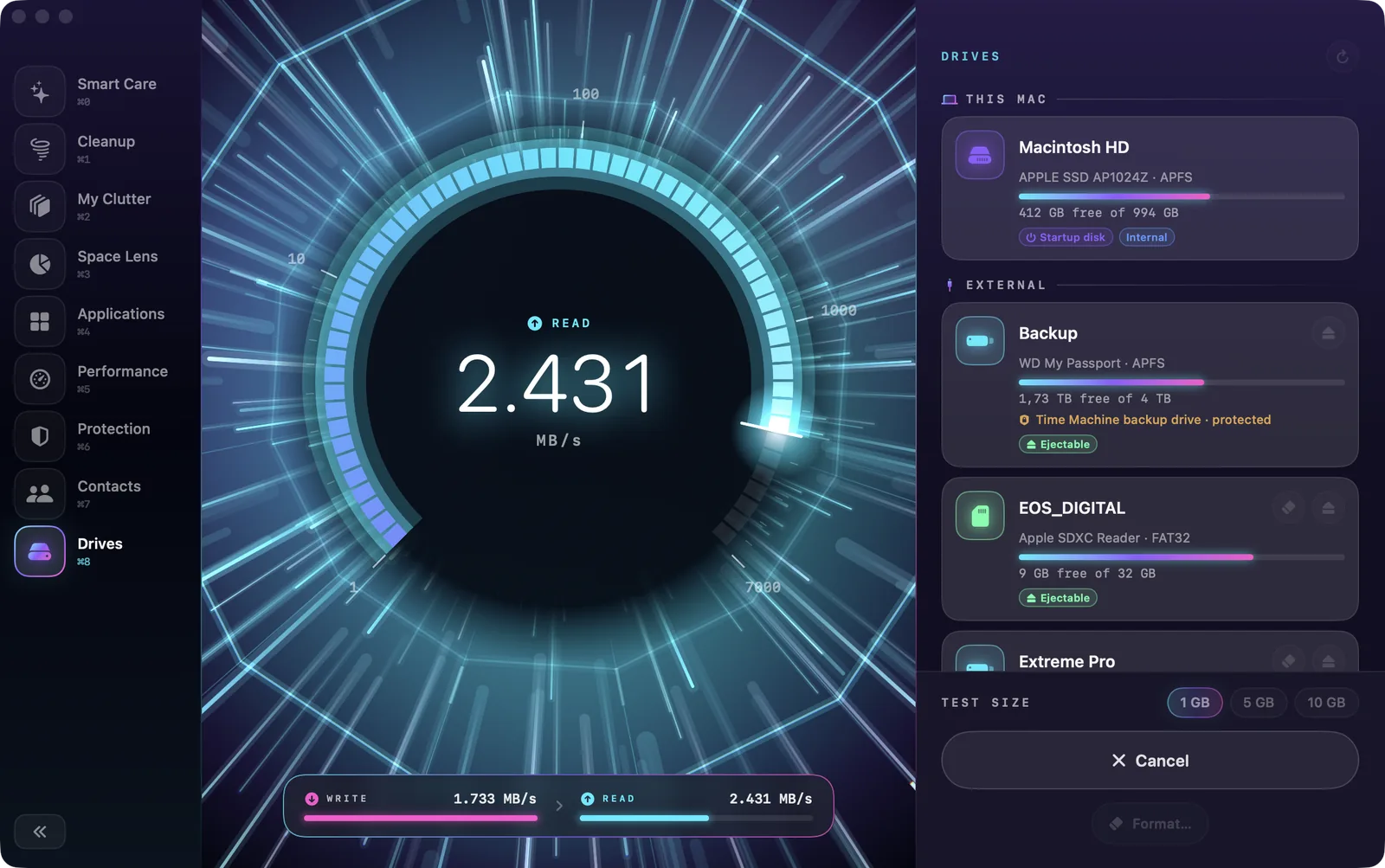
The speed test writes and reads a test file and shows the speed on a speedometer in the middle of a warp tunnel: magenta for writing, cyan for reading. Afterwards you get a verdict in plain words, such as “As fast as a built-in SSD”.
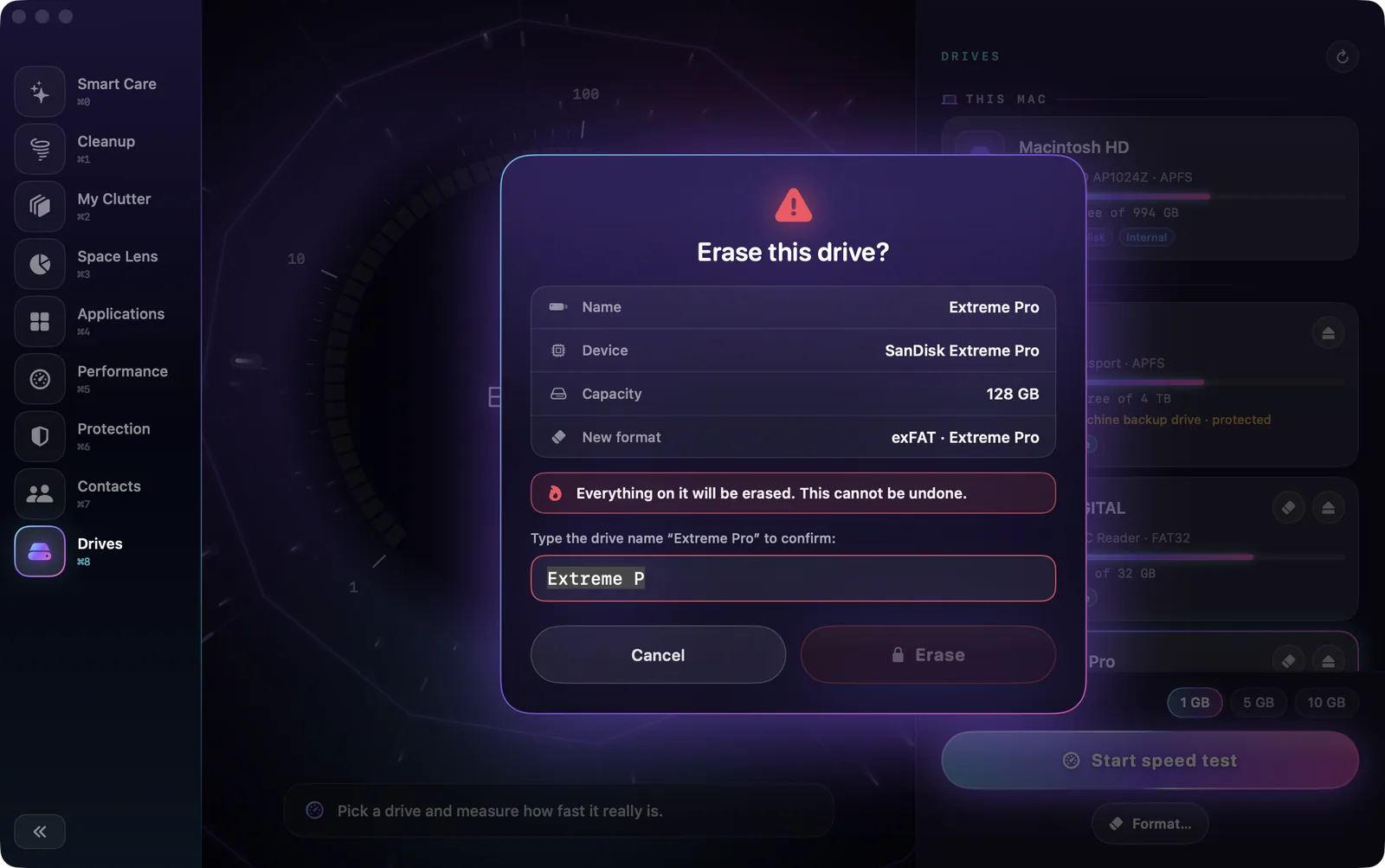
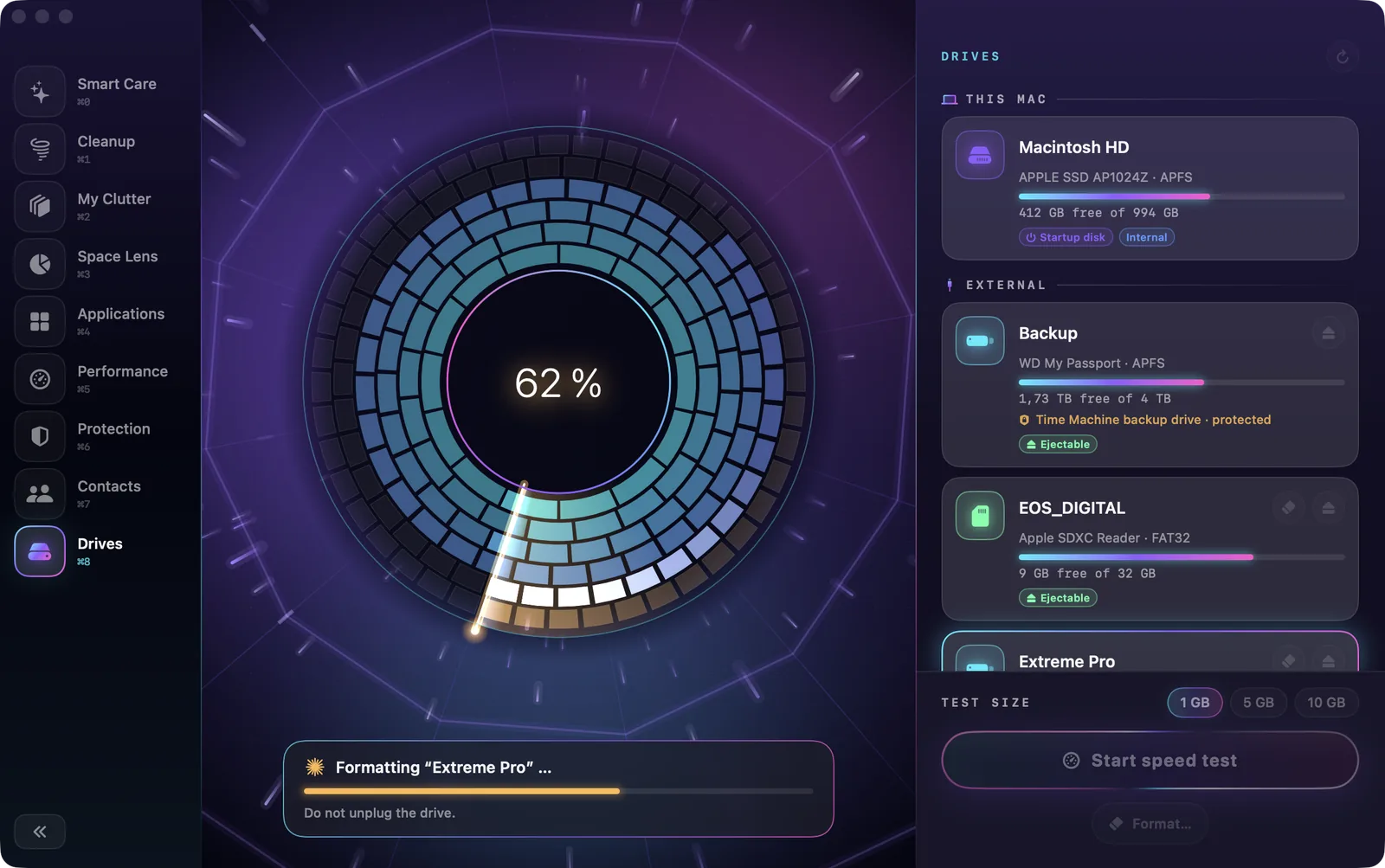
Format drives as APFS, Mac OS Extended, exFAT or FAT32. Nothing is erased until you have typed the drive’s name. The startup disk, internal drives, Time Machine drives and mounted disk images are protected and cannot be formatted.
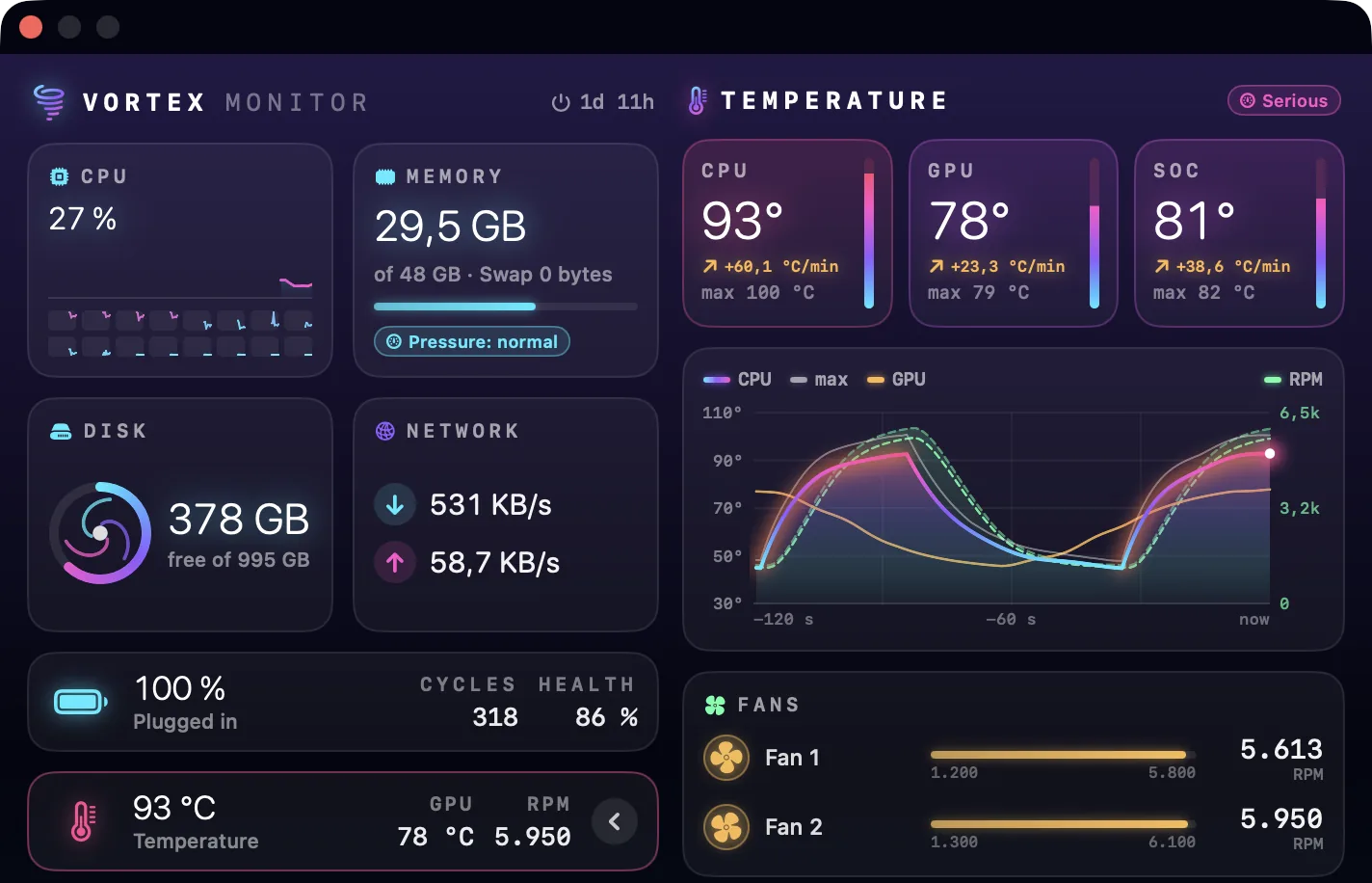
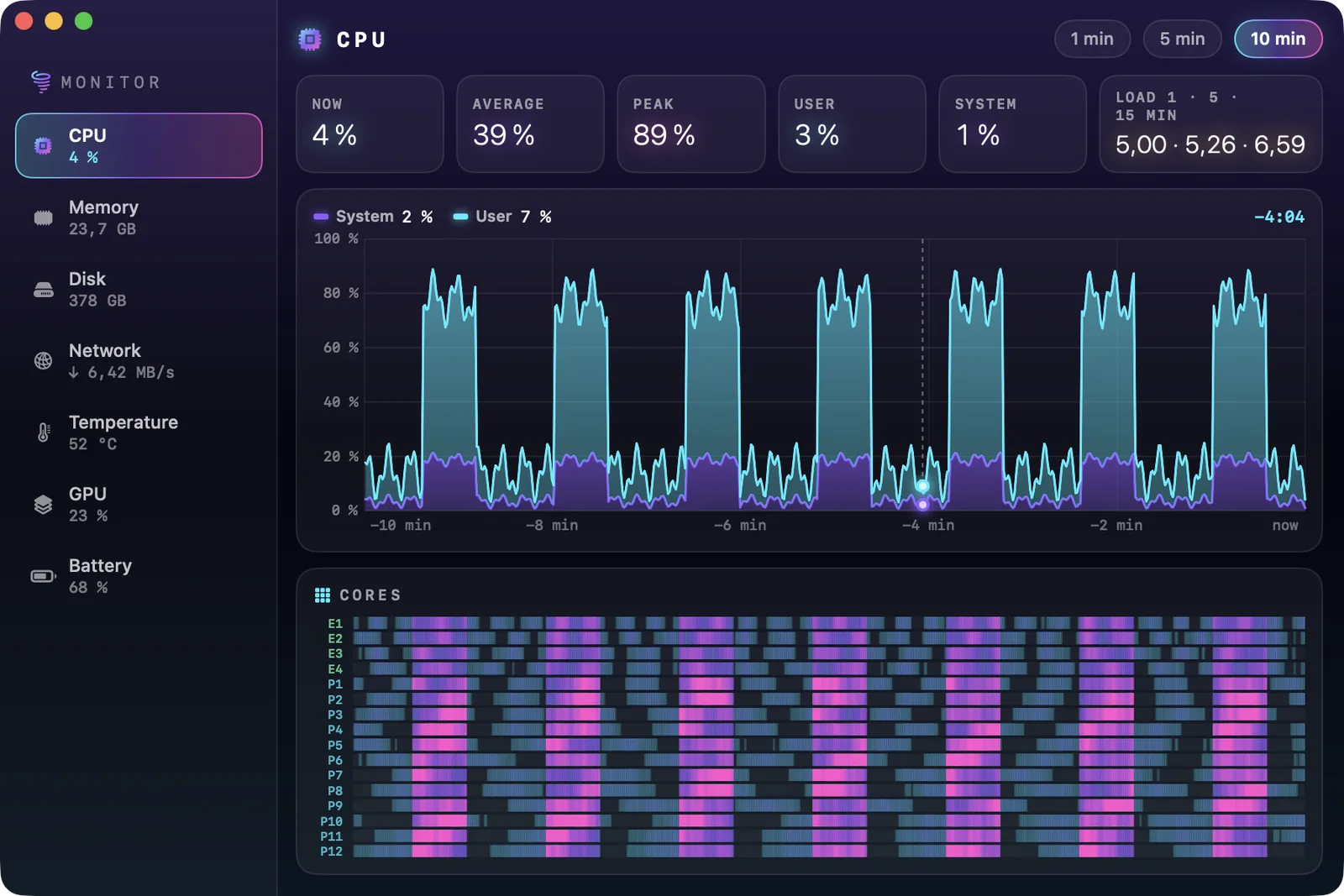
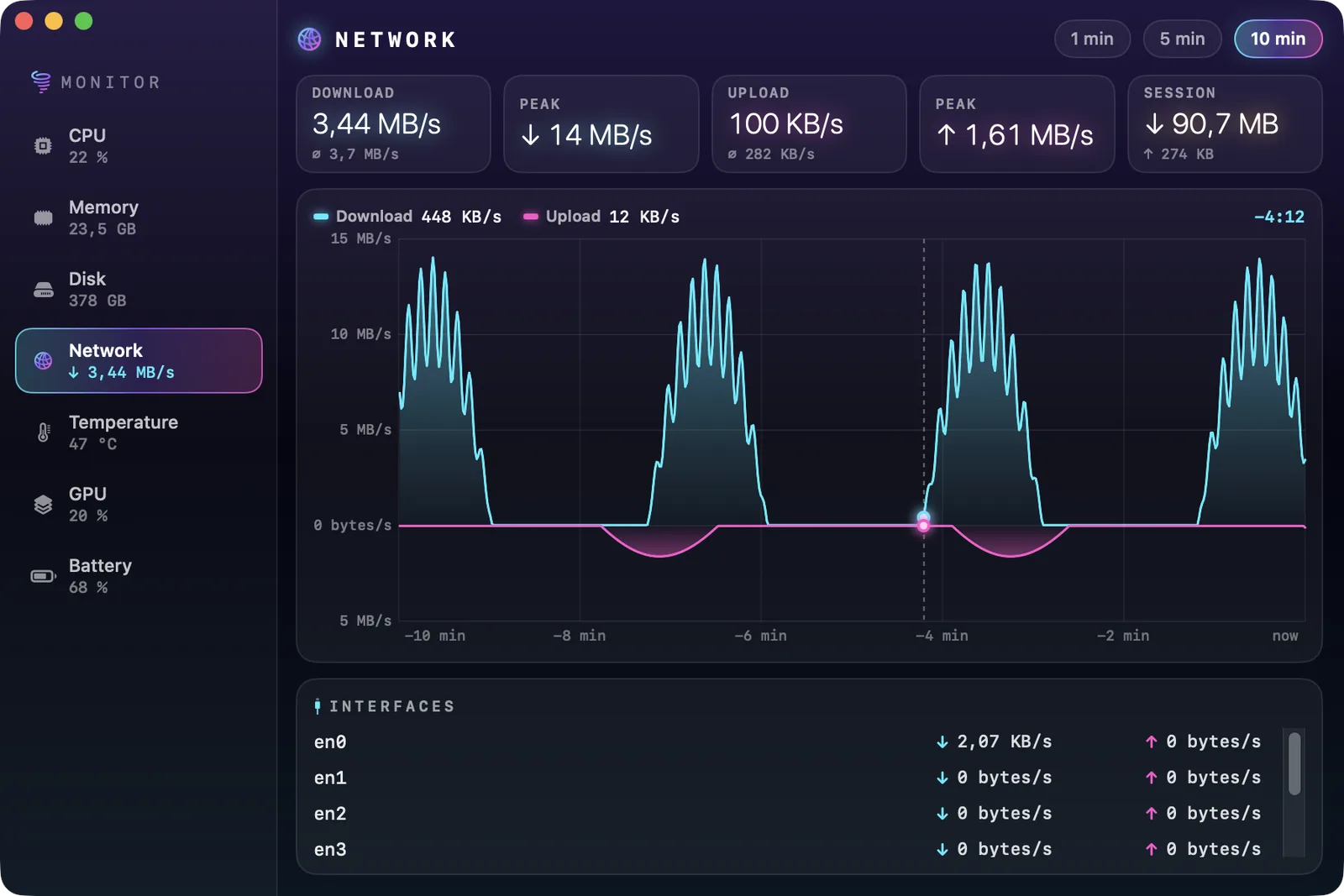
Battery, CPU, disk, memory, network and temperatures at a glance. You choose what the menu bar shows: free space, CPU, RAM, network or temperature.
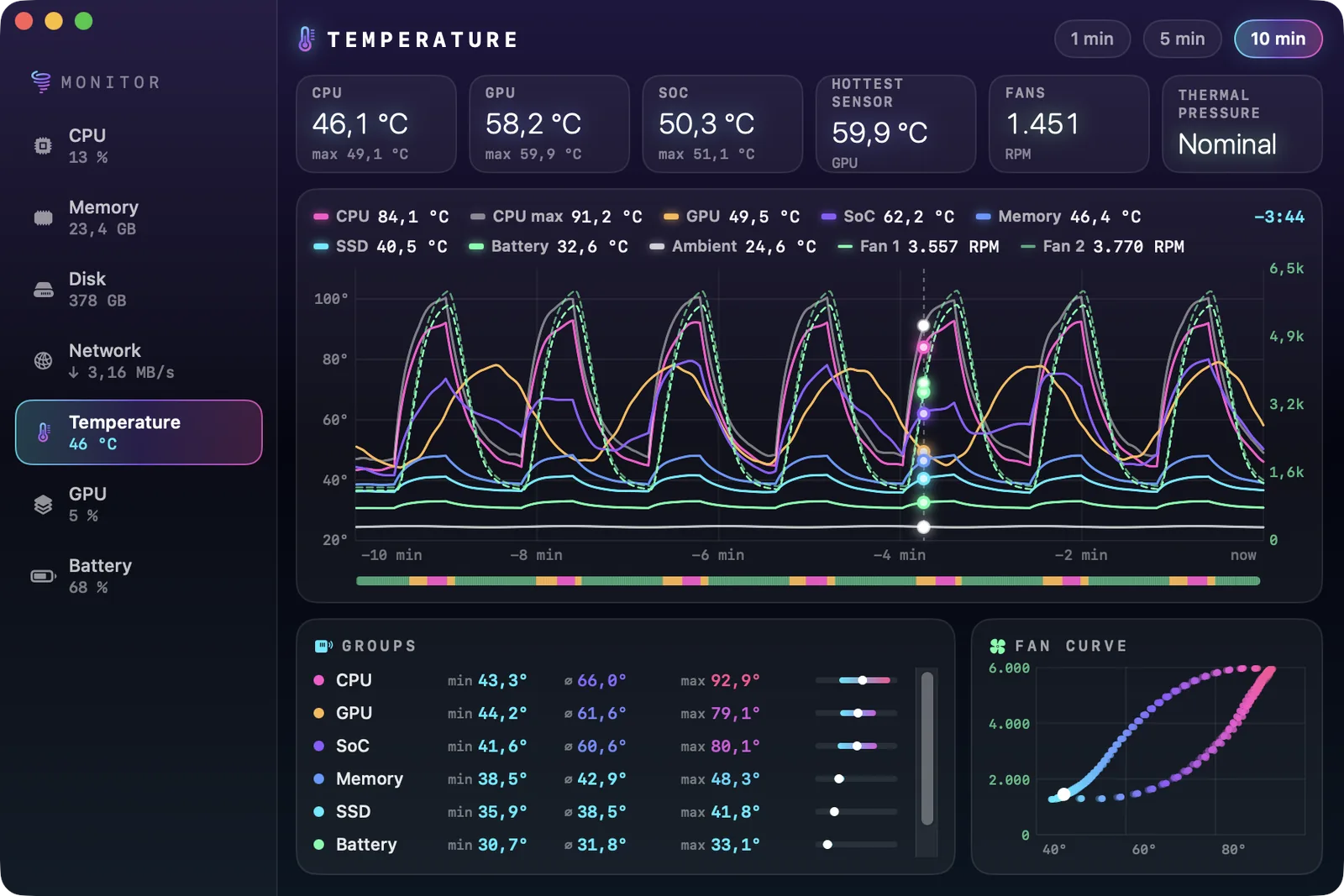
CPU, GPU and SoC temperatures with their trend, a chart of temperature against fan speed, every fan, GPU load and all sensors.
Every tile opens a large window: CPU with a per-core heatmap, memory breakdown, disk read and write rates, network up and down, temperatures with all sensor groups and the fan curve, GPU and battery power – with 1, 5 or 10 minutes of history and values under the pointer.
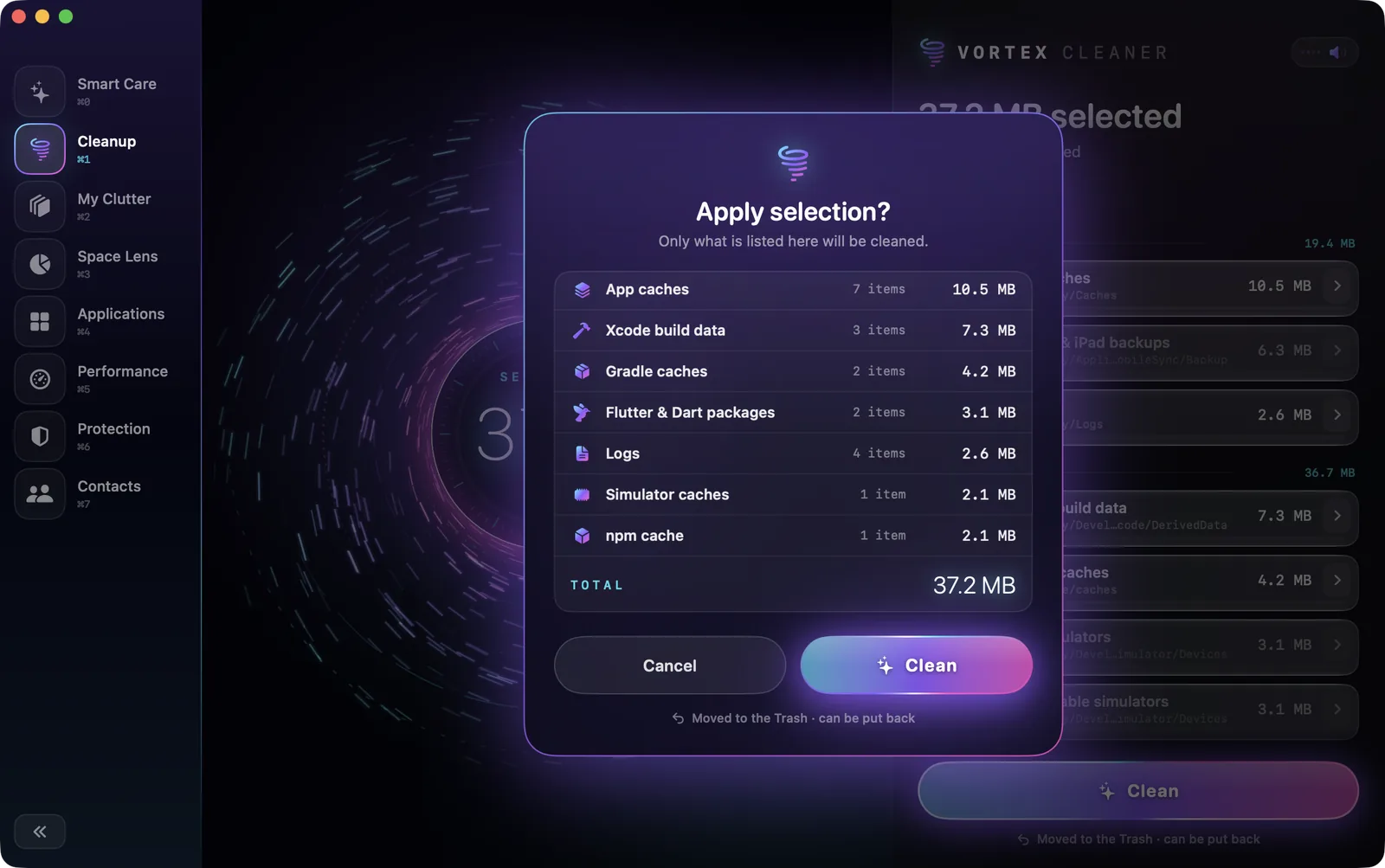
VortexCleaner is built so that you stay in control at every step.
VortexCleaner removes only what you have selected yourself.
Before anything happens, a confirmation lists exactly what will be removed.
Everything is moved to the Trash first. You can put it back from there.
Scanning costs nothing. You need a license to clean up, remove and merge.
1 Mac
per year
3 Macs
per year
1 Mac
one-time payment
The checkout could not be loaded. Please try again in a moment.
Yearly licenses renew automatically for another year. You can cancel at any time via the link in Paddle’s e-mails; access remains until the end of the paid year.
Prices in euros including VAT. Payment is handled by Paddle, which acts as merchant of record and takes care of VAT. Your license key arrives by e-mail.
The most important answers about VortexCleaner.
VortexCleaner needs Full Disk Access to do its work. Open System Settings → Privacy & Security → Full Disk Access and turn on VortexCleaner.
Scanning is free – you see what VortexCleaner finds on your Mac. You need a license to clean up, remove and merge.
After your purchase the license key arrives by e-mail. Open VortexCleaner → License… and enter it there. Lost it? In the license window, “Lost your key?” sends it to you again by e-mail.
Only what you selected is removed, a confirmation lists exactly what goes, and everything is moved to the Trash first – so you can put it back.
Yes. The Cleanup module finds Xcode build data (DerivedData), Xcode archives and simulators as well as the caches of CocoaPods, Gradle, Homebrew, npm, pip and pub. You choose per category what should go.
Before VortexCleaner merges contacts, it creates a vCard backup. Contacts are processed on your Mac only, and whatever should never be merged goes on the never-merge list.
No. Formatting takes several steps: pick the drive, choose the format and type the drive’s name. The startup disk, internal drives, Time Machine drives and mounted disk images cannot be formatted at all.
Practically not. By default the test writes 1 GB once and reads it back – negligible for an SSD. If you like, you can choose 5 or 10 GB.
CPU, GPU and SoC, plus the other sensors your Mac reports, and the fan speeds.
No. VortexCleaner is sold directly on this page. The app is notarized by Apple.
Yes, within 30 days of your purchase. Just send us an e-mail.
Yes. Yearly licenses renew automatically every year. You can cancel at any time via the link in Paddle’s e-mails; your access remains until the end of the paid year. The lifetime license is a one-time payment.
macOS 15 or later.
Send us an e-mail at martin.bundschuh@seebubble.me.
VortexCleaner does all its work on your Mac and contains neither tracking nor analytics. Without a license the app contacts no server; with a license, only the license server.
VortexCleaner privacy policy