Cockpit Workspace & Window Manager
Prepare your entire cockpit with one click. DeskPilot captures and restores coordinates, screen layouts, browser tabs, directory paths, and active files across all connected monitors.
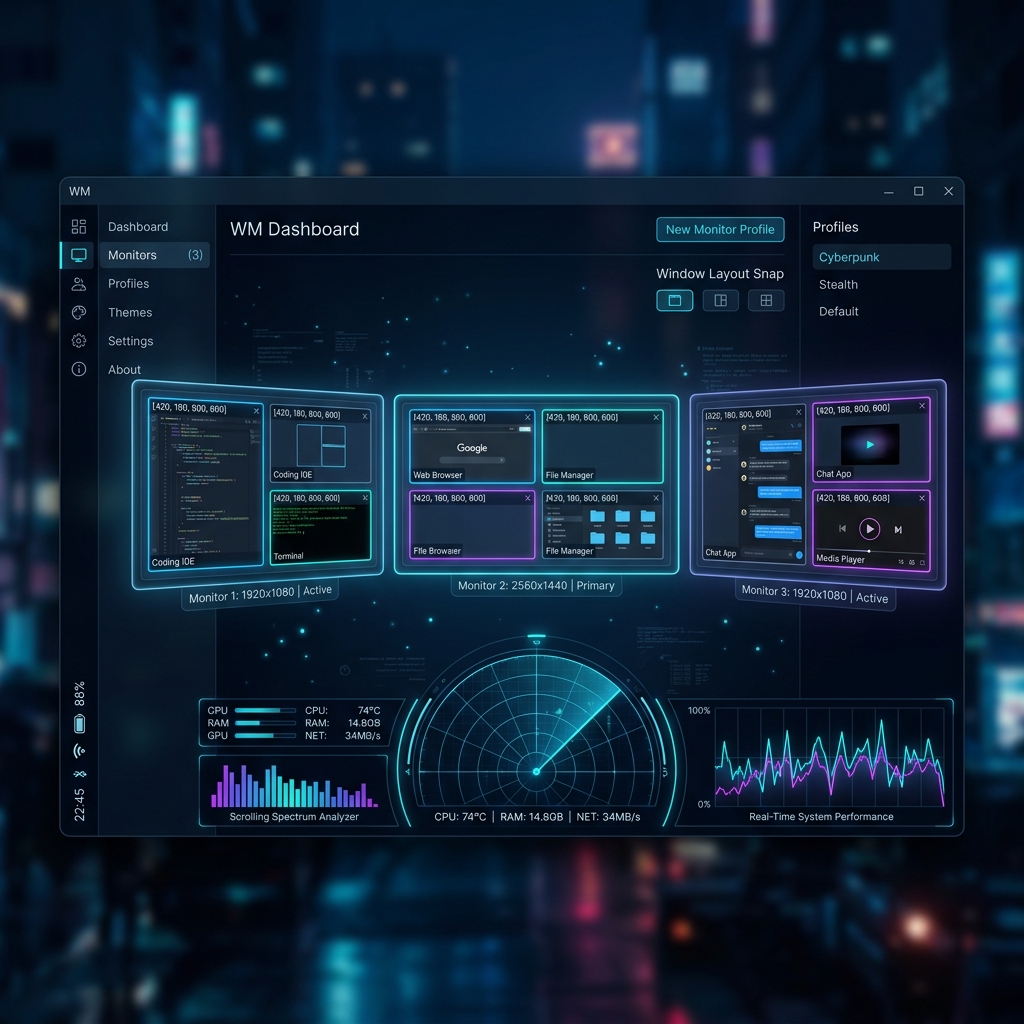
Multi-Monitor telemetry HUD
Visually preview and configure window layouts across all displays using a translucent cockpit radar overlay and exact coordinate alignment metrics.
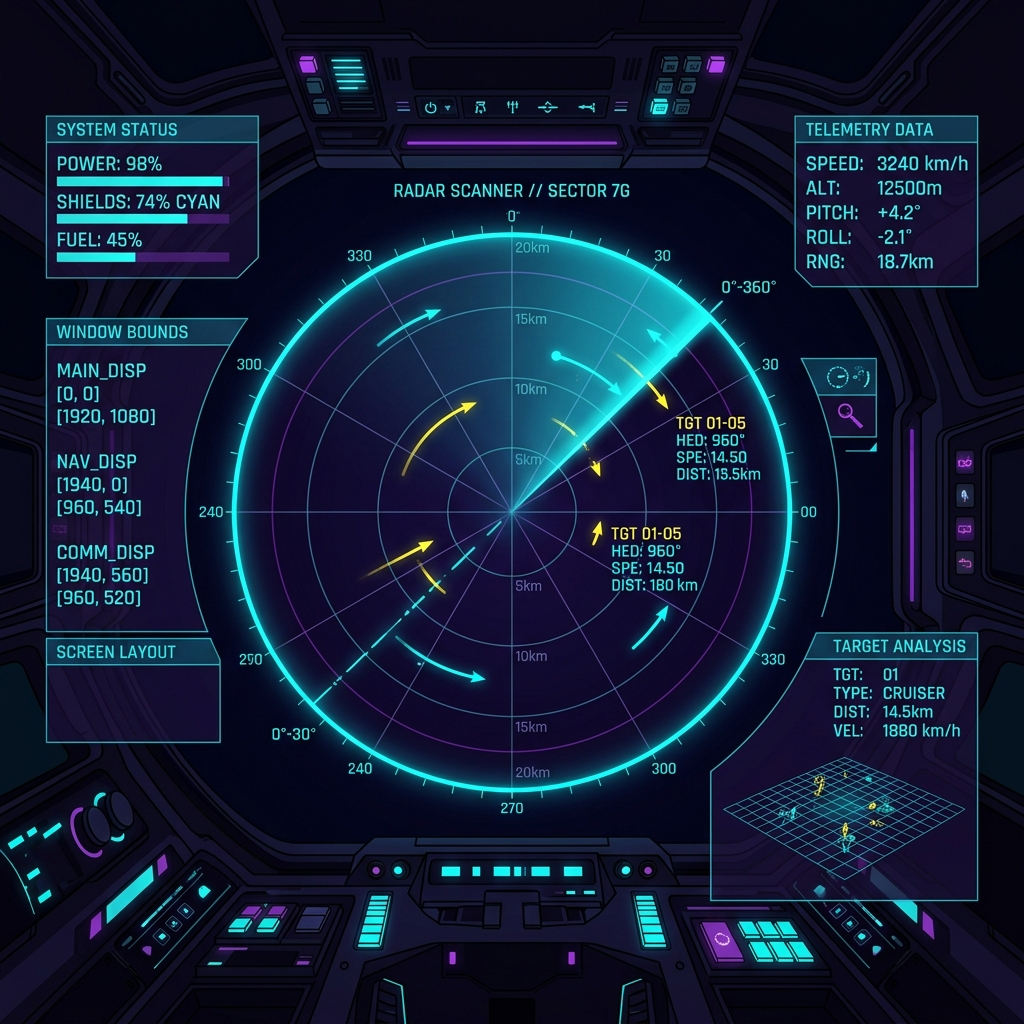
Cockpit Radar Technology
Track coordinate mapping, layout boundary sets, and target analysis in real time. Absolute privacy: operates zero-knowledge on local device APIs.
System: Initializing DeskPilot low-level window hooks... OK
System: STUN monitor coordinate scanner loaded... Ready
deskpilot capture --layout coding-setup
[DeskPilot] Saving display configuration (3 screens detected)...
[DeskPilot] Captured 7 window coordinates, 3 Chrome tabs, 2 Explorer paths.
deskpilot restore --layout coding-setup
[DeskPilot] Activating Focus Mode: Closes 4 background processes...
[DeskPilot] Restoring bounds: Chrome (Monitor 2), VS Code (Monitor 1), Spotify (Monitor 3).
More than just a window manager
DeskPilot runs locally in your menu bar or system tray. With a single click or keyboard shortcut, it snaps all your applications, documents, Finder paths, and browser tabs to their exact assigned display locations. It dynamically handles monitor additions and removals on the fly.
Key Features
Engineered for low latency and zero overhead. DeskPilot leverages system-native accessibility layers to give you smooth, instant layout adjustments.
Layout Snap & Recover
-
One-Click Snap
Save your exact monitor arrangement, coordinate layout, window state, and screen assignment of all running desktop applications instantly.
-
Smart Browser Recovery
Restores active browser URLs from Safari, Chrome, Brave, Arc, and Firefox, recovering your research tabs instead of just launching blank windows.
File & Document Restore
-
Folder & Document Restore
Re-opens exact directory paths in Finder (macOS) or File Explorer (Windows), and launches active documents in their default apps.
-
Autostart & Global Hotkeys
Trigger workspace selection globally with quick hotkeys (e.g. CTRL+ALT+D) and launch automatically on system startup.
Intelligent Optimization
-
Intelligent Focus Mode
Closes background tasks and memory-heavy programs when activating a workspace to optimize CPU/RAM for your current tasks.
-
100% Offline & Private
Zero-cloud dependency. All profiles, window layouts, coordinates, and application lists remain locally encrypted on your machine.
Cockpit HUD Telemetry
-
HUD Radar Overlay
Translucent fullscreen telemetry HUD that visualizes your workspace coordinates and layout configurations with smooth scanner animations.
-
Multi-Display Coordination
Adapts layout configurations based on current connected monitor profiles (e.g. Home Office 3-Displays vs Mobile Single-Display).
Capturing & Restoring Workspace Layouts
DeskPilot queries the local operating system APIs to map exact screen coordinates. It handles window layouts securely and natively.
1. Arrange Your Workspace
Arrange all your application windows, terminals, Finders, and document editors exactly where you want them on your screens.
2. Snap Configuration
Click the DeskPilot icon in the menu bar/system tray and click 'Capture Workspace'. Give it a name (e.g., "Development", "Writing"). The coordinate bounds are indexed locally.
3. Restore Layout
Select a saved workspace or use a global key binding. DeskPilot immediately launches missing applications, re-aligns sizes, coordinates, and monitor assignments.
Advanced Web State & Tab Recovery
DeskPilot integrates directly with web browser engines (AppleScript on macOS, registry hooks on Windows) to restore active session tabs securely.
1. Browser Integration Setup
Enable accessibility and AppleScript hooks for Safari, Google Chrome, Brave, Arc, or Firefox. No credentials or browsing history are logged.
2. Layout Capture
During layout capture, DeskPilot retrieves the exact active URL list per window. The URLs are encrypted and stored inside your local profile.
3. Layout Restore
Upon restoration, DeskPilot opens the corresponding browser windows at their exact coordinates and injects the corresponding tabs automatically.
Intelligent Focus Mode & Memory Optimizer
Free up system memory and keep focus. DeskPilot automatically shuts down unnecessary background tasks when switching profiles.
1. Set Up Background Lists
Define lists of applications to close (e.g., Slack, Discord, Steam, or Docker) when entering high-focus work configurations.
2. CPU/RAM Verification
When focus mode is active, DeskPilot closes matching background threads gracefully to ensure maximum CPU allocation for active processes.
3. System Notifications
DeskPilot displays a brief diagnostic popup summarising freed RAM and closed background apps to keep you informed.
Take Control of Your Desk
Create your DeskPilot account to get updates, configuration cloud backups, and standalone downloads.