

Just start typing!
… and bam: a comic.
 SeeBubble Comic Chat · The messenger that draws
Every message a panel.
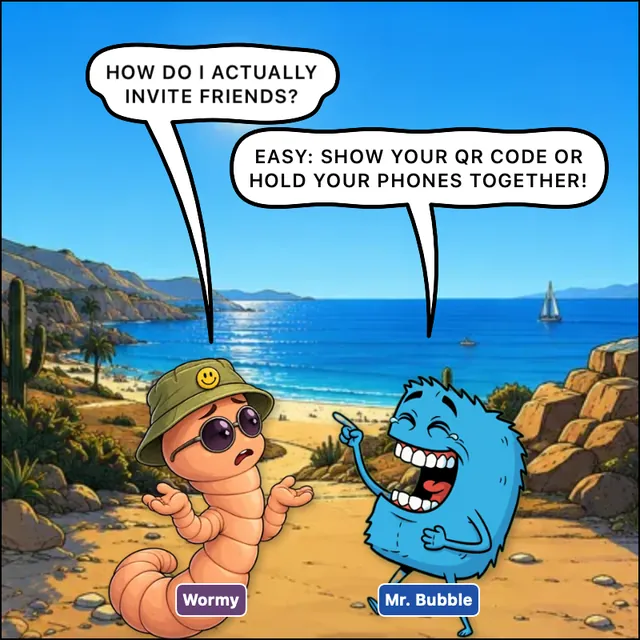
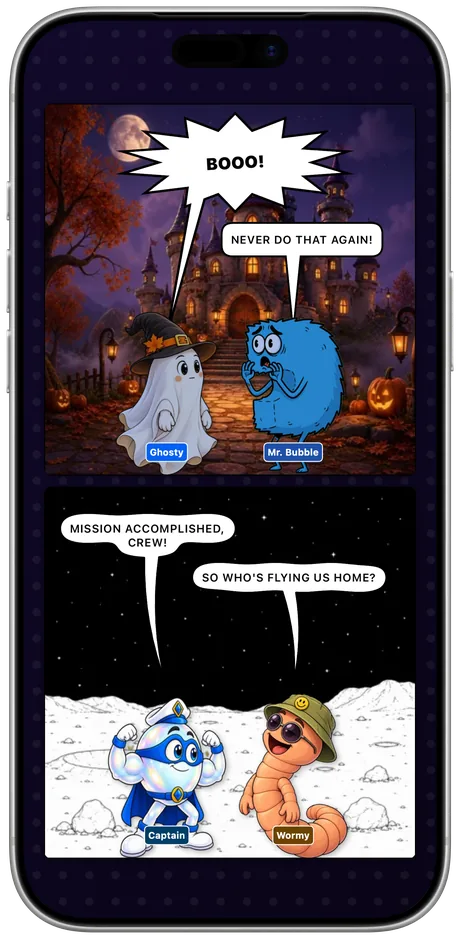
Pick a character and a pose, type your message – and it appears as a comic panel with speech balloon, backdrop and scene. Every chat becomes a comic book.
Free to use. No subscription.
- iPhone
- iPad
- Mac
- Android
- Web
How text becomes a comic.
Pick a character
Every member plays their own character in the room.
Choose a pose
Use the pose wheel – or let auto-pose read the mood from your text.
Start typing
Every message becomes a panel. Change the pose and a new one begins – the comic strip builds itself.

Hi! I’m a comic now.

Try it right here
Simplified preview. The app adds poses, backdrops and effects.
This is what your chat looks like.
Drawn by the real SeeBubble engine – with speaking, whispering, thinking and shouting.

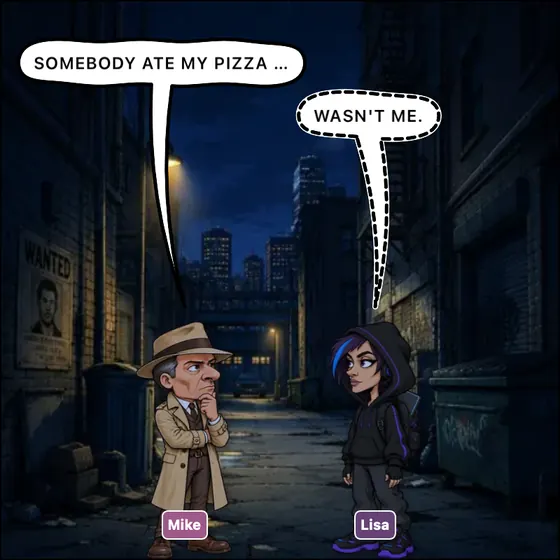
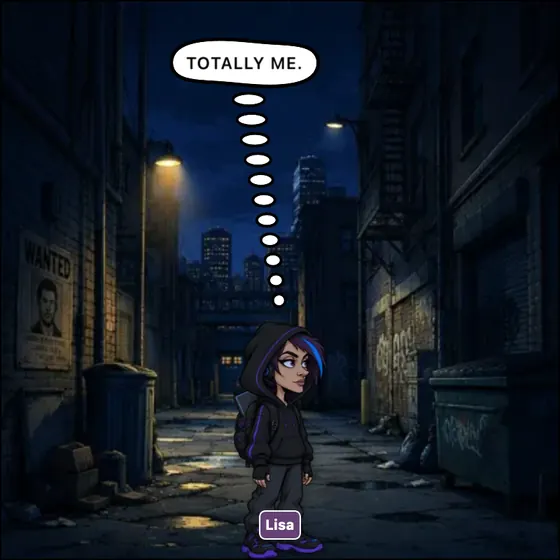
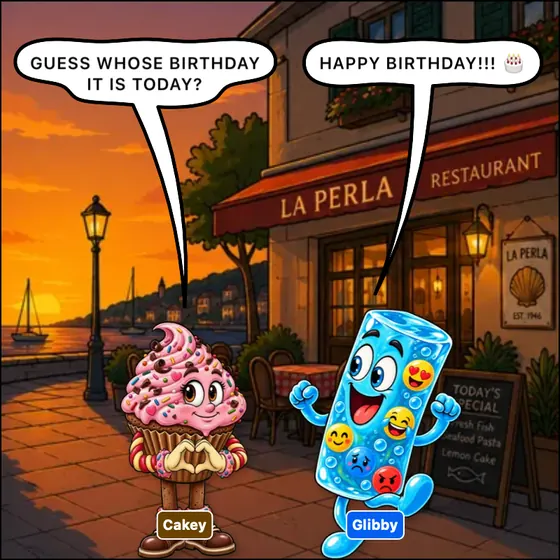



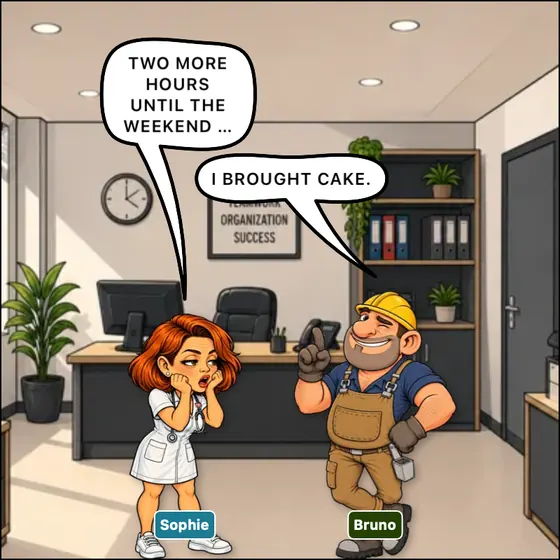
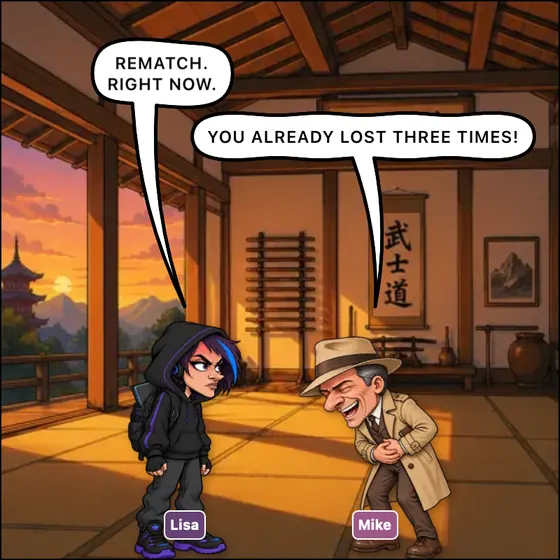
Who do you want to be today?
The standard packs with characters and backdrops are included. The catalogue shows every character with its poses.
Everything a chat needs. And quite a bit more.

Expression
Pose wheel, auto-pose and four balloon types – speak, think, whisper, shout. Plus effects, close-ups and backdrops.

Together
Rooms with invite links, friends via QR code, @mentions, reactions, replies and polls.

More than text
Voice messages, photos, files, GIFs, location and contact cards – everything lands in the panel.

Mr. Bubble
The AI character in your room: mention Mr. Bubble and he answers as a comic. Plus commands such as /wetter, /zeit or /erinnerung.

Games in the cinema hall
Doodle cinema, movie quotes and a categories game – right in the room, with award ceremony and leaderboard.
Take it with you
Export your chat as a comic-book PDF or as a short vertical video.

Your style
Colour schemes, balloon style and notifications on a schedule – and the app in nine languages.
One account. Every device.
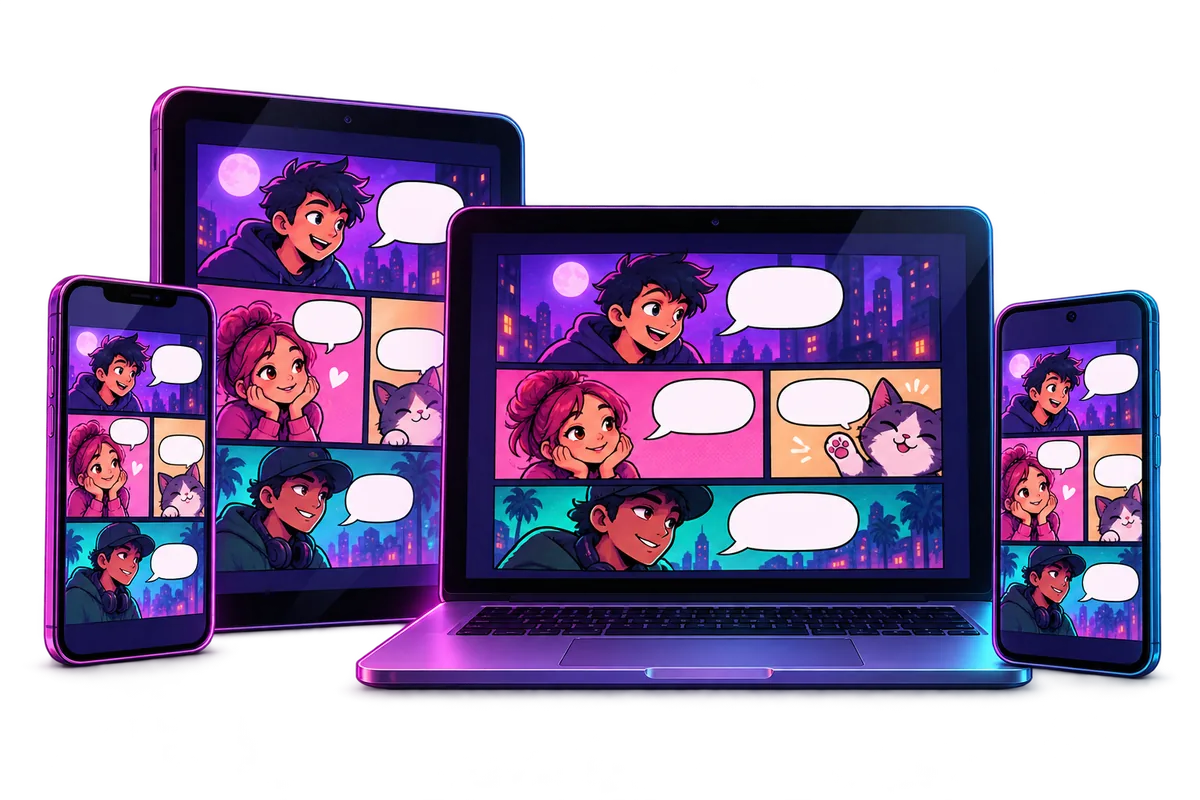
iPhone
The comic in your pocket – and you share from other apps straight into your room.
iPad
Its own layout with a sidebar and a multi-column grid.
Mac
Rooms in their own windows, menu bar and keyboard shortcuts.
Android
For phone and tablet, built natively.
Web
In your browser, no installation. Sign in with a QR code from your phone if you like.

From age 13
Date of birth is required at sign-up. Additional protection rules apply to users under 18.
Report and block
Report messages, media and characters right in the app. Anyone you block is blurred for you.
Friends by mutual consent
A friendship only exists once both sides agree.
No advertising profiles
We do not sell data and we do not build advertising profiles about you.
Your account is yours
You can delete your account at any time – in the app or via this website.
The Architect of Stories
Martin Bundschuh noticed that while our messages arrived instantly, the feeling was often lost in flat, gray bubbles.
He asked a simple question: "What if every chat felt like a page in a graphic novel?"
Driven by this vision, Martin created SeeBubble.
The Creative Minds

Frequently asked questions
What is SeeBubble?
SeeBubble is a messenger that turns every conversation into a comic. You pick a character and a pose, type your message – and it shows up as a comic panel with a speech balloon, background and scene. That is why we call your chats comics or comic books. SeeBubble is available for iPhone and iPad, for Android and as a web version in your browser. Everything is tied to your account, so you can switch devices any time.
How does a comic chat work?
Create a comic or join one via invitation. · Pick your character – every member has their own in a room. · Pick a pose, or let Auto-Pose read the mood from your text. · Start typing. Every message becomes a panel. If you write several messages in a row with the same pose, they stay in one panel. Change the pose and a new panel starts – that is how a comic strip builds itself.
What does SeeBubble cost?
The app is free, and the standard packages with characters and backgrounds are included. There is no subscription. If you like, you can buy Bubble Coins to unlock premium and exclusive characters, AI features or gifts. The current coin bundles and everything about payment are on the pricing page.
Which languages does the app support?
SeeBubble speaks nine languages, among them English, German, Spanish, French, Hungarian, Polish, Slovak and Chinese. The app follows your device language; under Settings → Language you can also pick one manually. Package and character names appear in your language, otherwise in English.
How old do I have to be to use SeeBubble?
At least 13 years. Your date of birth is required when you sign up; younger people cannot create an account. Additional protections apply to users under 18. Read more on the child safety page and in the terms.
Ready to start your story?
SeeBubble is now available on the App Store, Google Play and in your browser.
No installation needed – the web version runs in any browser, with the same account.

SeeBubble!